What Is Sidenote? Human Review for AI-Generated Documents
Sidenote Team
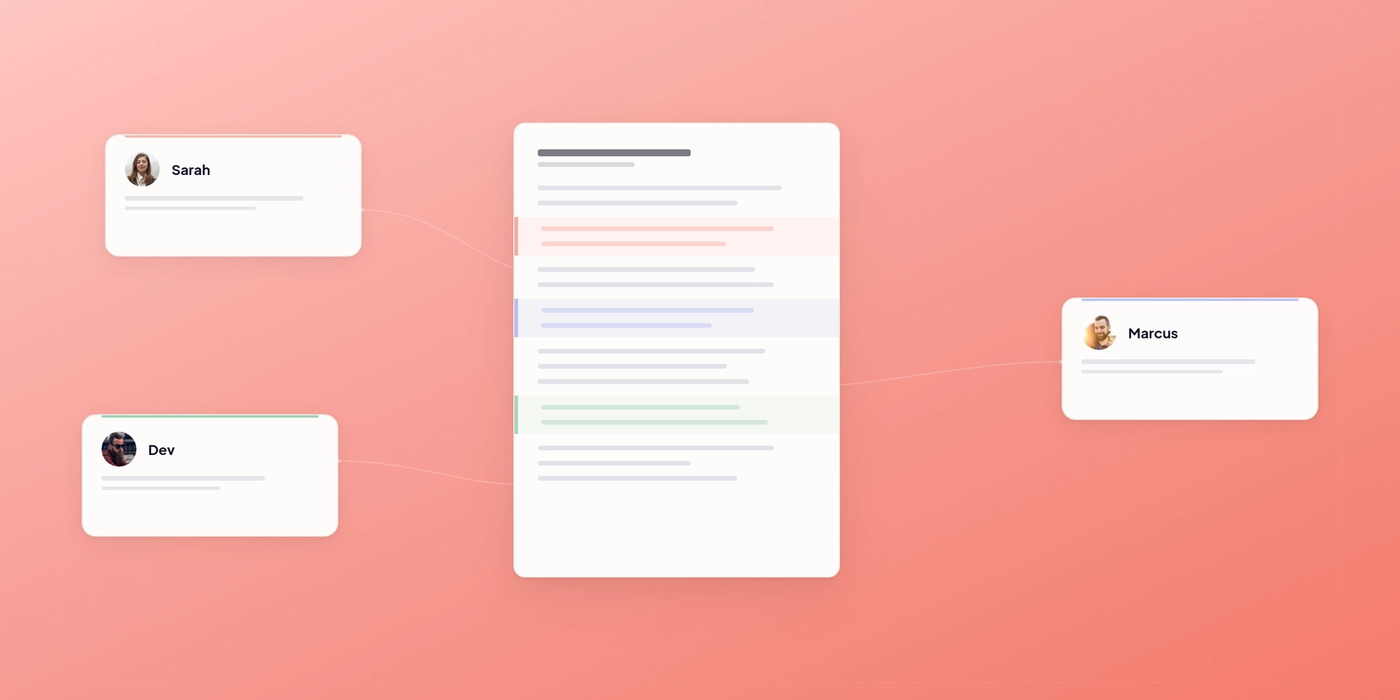
AI generates documents fast. Getting them approved is the slow part. Sidenote puts human review directly on the document with inline annotations, structured feedback, and a loop back to the AI agent.
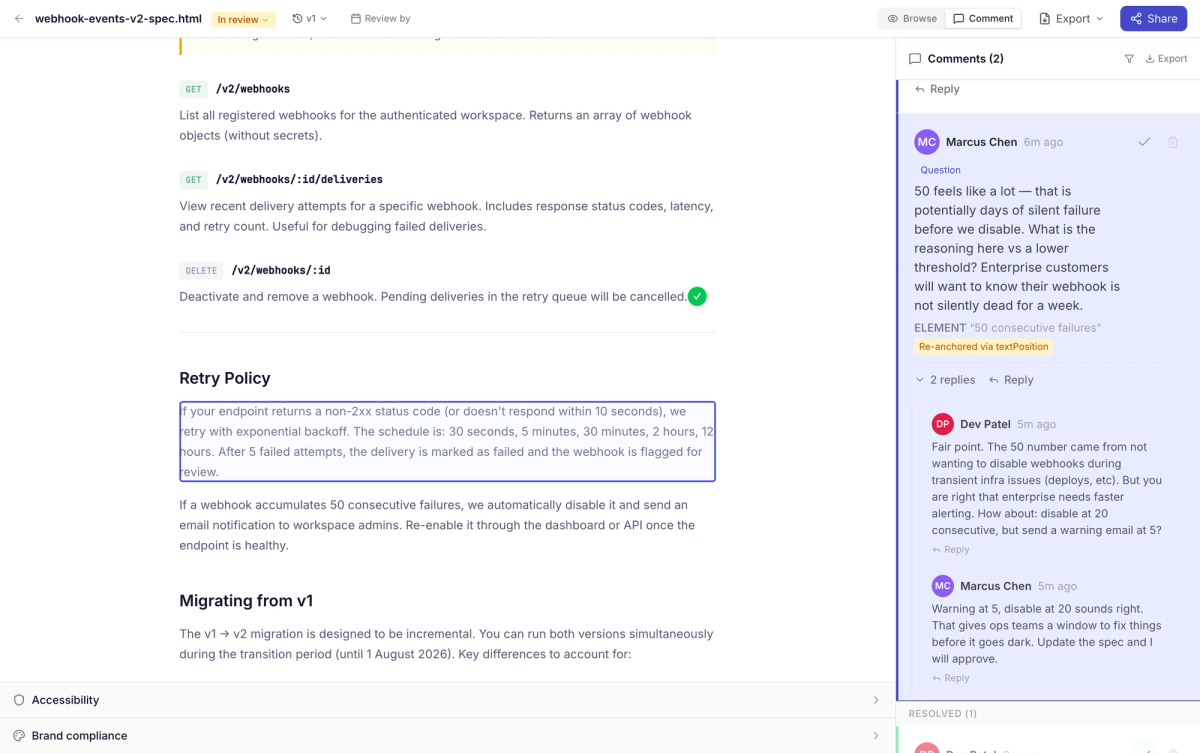
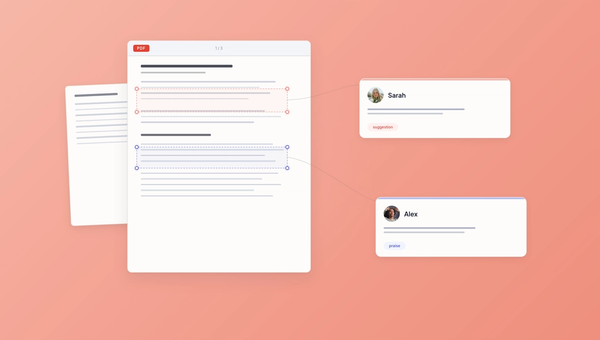
Sidenote is a document review tool for AI-generated content. Upload an HTML document, share it with reviewers, and they annotate directly on the rendered page. Highlights, comments, and suggested edits, all anchored to the exact text. When review is done, share the approved document as a polished deliverable link.
The part that matters: AI agents can upload documents and retrieve annotations via the Model Context Protocol (MCP). The human reviews, the agent reads the feedback, revises, and uploads a new version. The loop closes without anyone copying comments out of Slack or retyping feedback into a prompt.
Why AI-Generated Documents Need Human Review
AI is fast at generating content. It's less reliable at getting it right first time. Salesforce research found that 54% of workers worry generative AI outputs are inaccurate, and 59% worry they carry bias. Neither is a concern a model resolves on its own. They get resolved by someone reading the work and saying, precisely, what is wrong with it.
The generation side is solved. The review side isn't.
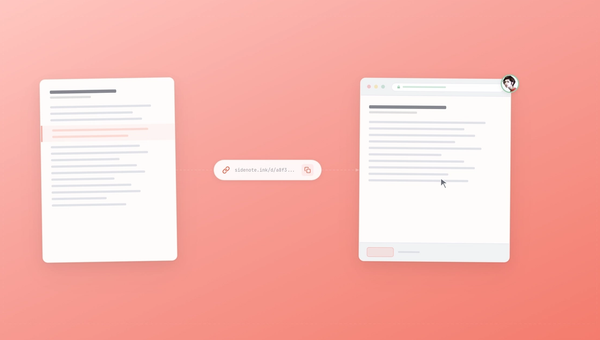
Most teams handle it with tools that weren't built for it. Google Docs can't render interactive HTML. Figma isn't built for document-length content. Email attachments mean the recipient downloads a file, opens it in a browser, writes notes somewhere else, and sends them back. None of these give the AI agent a way to pull feedback back in programmatically.
So the process becomes: generate in one tool, screenshot into another, type up feedback, paste it into a prompt, regenerate, check again. Each handoff loses something. The round-trips end up costing more time than the generation itself.
How Sidenote Works: Review AI-Generated Content Inline
Sidenote puts feedback on the rendered document. Not in a separate comment thread. Not in a Slack message that says "the third paragraph needs work."
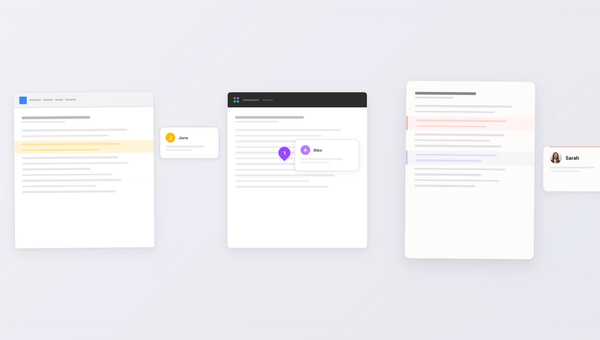
Reviewers click text and leave comments anchored to that specific passage. They can suggest edits with a diff preview, flag sections with labels (bug, suggestion, question), or mark things resolved. Everything is structured and stays attached to the content it references.
No accounts required for reviewers. Share a link, they open it and start annotating. The barrier to getting feedback should be zero, so it is.
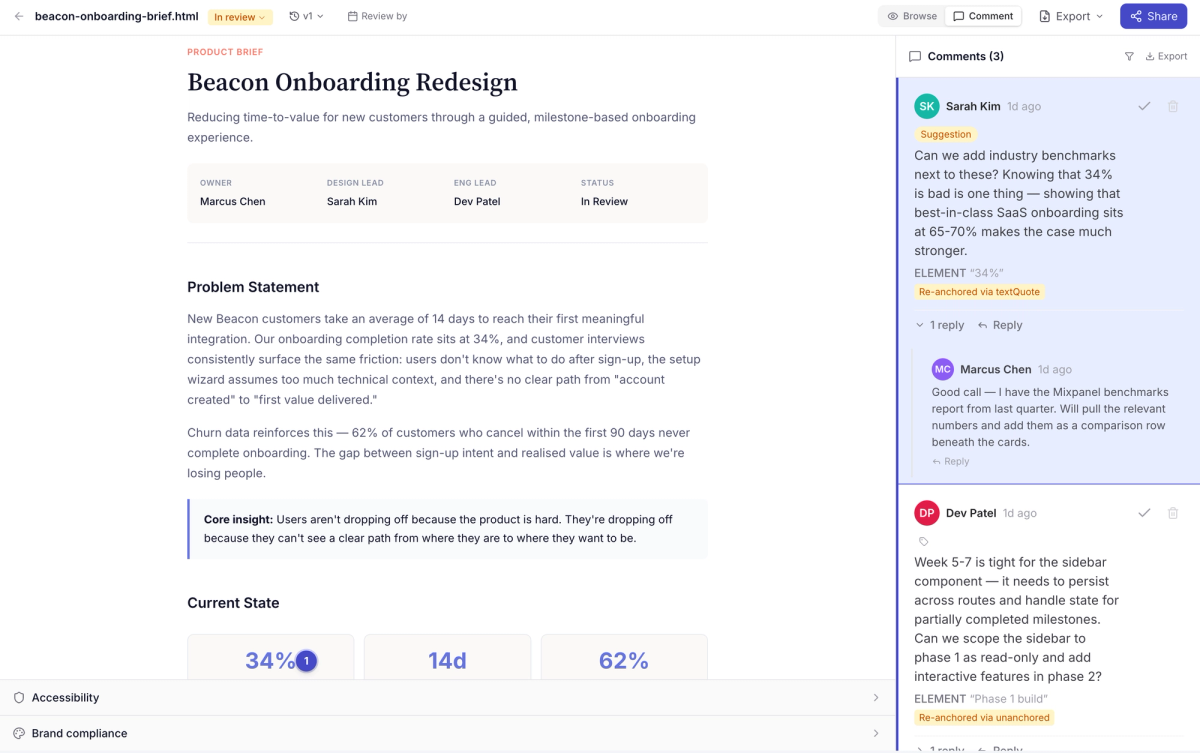
How AI Agents Use Sidenote to Close the Feedback Loop
This is where Sidenote breaks from every other review tool.
AI agents connect via MCP, upload documents with upload_html, and later call get_annotations to retrieve structured feedback. Not a screenshot. Not a summary. The actual highlighted text, the comment, the suggestion, and the status, returned as structured data the agent can act on.
A typical cycle:
- Agent generates an HTML document and uploads it to Sidenote
- A human reviews and leaves annotations
- Agent retrieves the annotations as structured data
- Agent revises the document and uploads a new version