How AI Agents Use MCP to Get Human Feedback on Documents
Sidenote Team
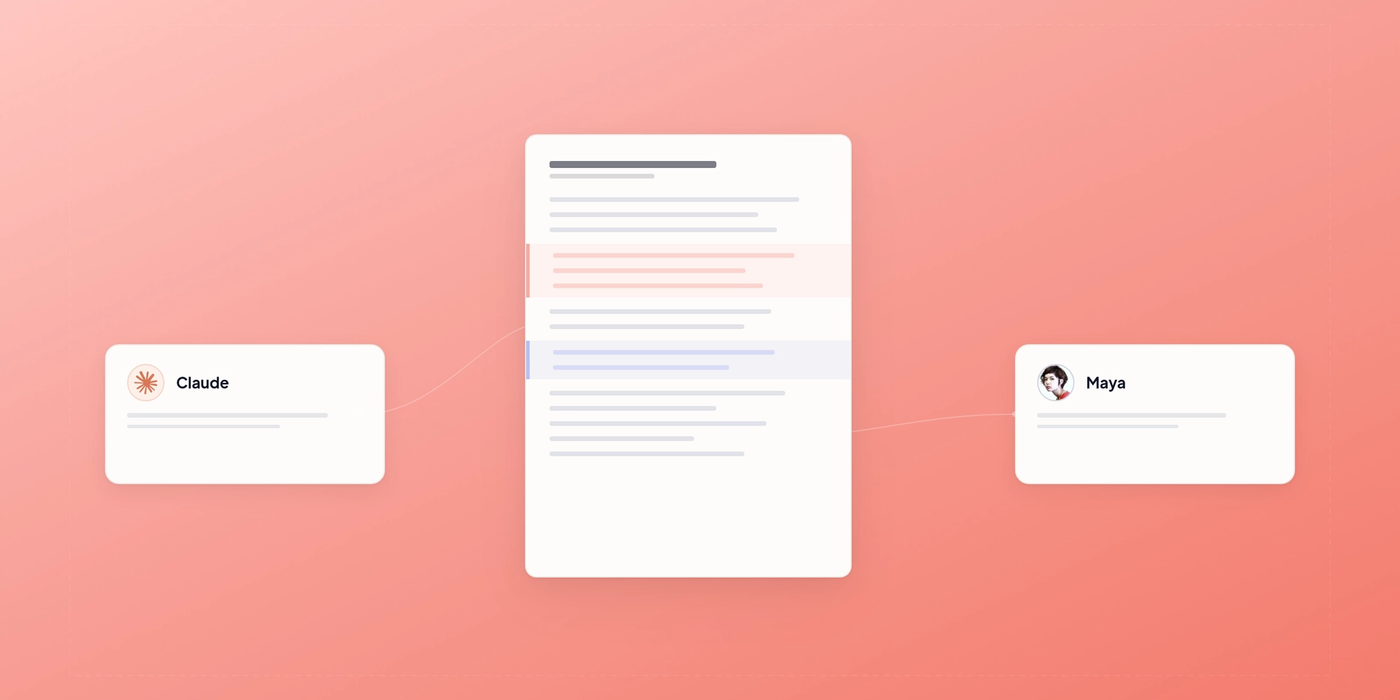
AI agents connected via Sidenote's MCP server can upload documents for human review, collect structured feedback, and integrate it back into workflows automatically.
Most AI agents work in isolation. They generate content, but they can’t get structured human feedback without someone manually copying annotations into a spreadsheet or editor. The feedback loop breaks.
Model Context Protocol (MCP) changes that. With MCP, agents can upload documents to a review tool, collect annotations programmatically, and close the loop without human copy-paste work.
Sidenote is built for this workflow. Its MCP server exposes tools that let agents upload documents, fetch human feedback as structured data, and integrate it back into their pipelines. This post walks through how it works, the specific tools available, and how to set it up.
What MCP Does
Model Context Protocol is a standard for connecting AI systems to external tools and data. An MCP server provides a set of tools that Claude (or another AI client) can call. The server handles authentication, data fetching, and responses. From the agent’s perspective, the tools look like functions it can invoke.
MCP works through a simple flow: agent requests a tool, server processes it, agent gets structured data back. No human intervention required between steps.
Sidenote’s MCP server makes human document review part of that flow. Your agent can say “upload this HTML for review,” and 10 minutes later say “fetch the feedback,” and get back structured annotations from real humans. The feedback arrives as clean, machine-readable data ready for your agent to act on.
The Problem Agents Face
AI agents generate a lot of content: marketing copy, technical documentation, design briefs, code reviews, proposal sections. Much of it is good. Some of it needs human eyes. Right now, closing that feedback loop is manual.
Typical workflow: agent generates a document, sends it to a human reviewer via email or Slack, they read it in their email client or download it, add comments, send it back. The agent gets an email and has to parse unstructured text to understand what changed. Or someone manually copies feedback into a spreadsheet. Or the document sits in a folder and feedback never makes it back to the agent at all.
Gartner predicts over 40% of agentic AI projects will be cancelled by the end of 2027, citing escalating costs, unclear business value, and inadequate controls. RAND Corporation research puts the broader picture even starker: more than 80% of AI projects fail before reaching meaningful production use — twice the failure rate of traditional IT projects.
The pattern is consistent: organisations can build agents that generate content, but struggle to close the loop when that content needs human input. OpenAI’s InstructGPT research demonstrated just how much this matters — a 1.3B parameter model trained with human feedback outperformed a 175B parameter model without it. The problem isn’t feedback quality. It’s that feedback doesn’t flow back into the system where agents can use it.
MCP solves this by making feedback a structured output. Humans annotate in Sidenote’s review interface. Agents fetch those annotations as JSON. No parsing, no email, no copy-paste.
How Sidenote’s MCP Tools Work
Sidenote’s MCP server exposes eleven tools. Here’s what each does.
Upload and retrieve documents
upload_html takes an HTML string and uploads it to Sidenote. It returns a document ID and a shareable review link. Your agent can then send that link to reviewers.
upload_pdf and upload_image do the same for PDFs and image files. All three return the same structure: document ID, share URL, and metadata.
list_documents returns all documents created by the authenticated user, with modification dates and current status.
get_document_html retrieves the raw HTML of a document. This is useful if you need to see what was uploaded or diff it against another version.
Manage versions
list_versions returns all versions of a document, with timestamps and who uploaded each version. Sidenote tracks changes automatically, so you can see the history of a document through review.
update_document uploads a new version of an existing document. Your agent can iterate: upload an initial draft, get feedback, regenerate the content, upload the new version, get more feedback.
Retrieve and process feedback
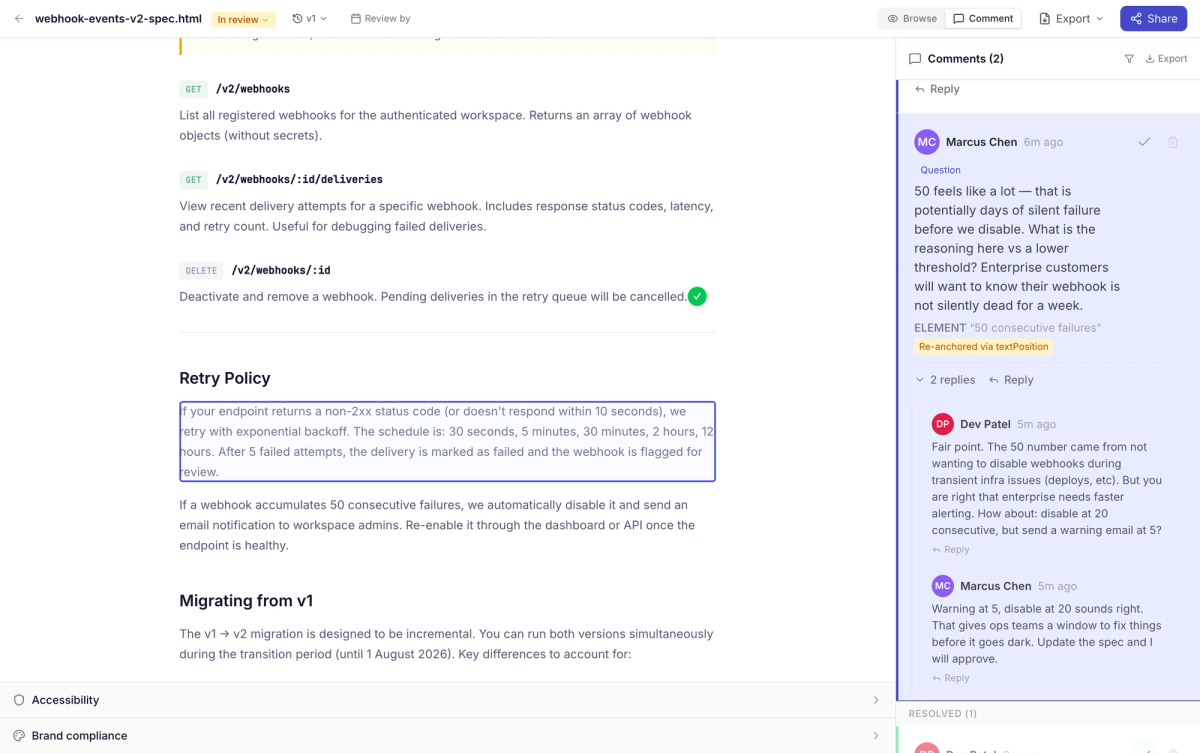
get_annotations returns all comments, highlights, and suggested edits on a document as structured JSON. Each annotation includes the text it's anchored to, the comment body, the author, and the timestamp. This is the core read tool for agents. Once you have the annotations, you can parse them, categorize them, feed them into a prompt, and regenerate the document.
Add feedback
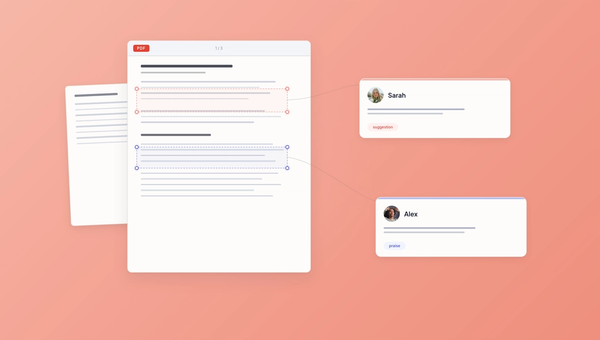
add_annotation lets agents leave their own comments on a document. Target a specific text passage with quoted_text, a non-text element (image, icon, button) with css_selector, or a region of an image with percentage coordinates. Each annotation can carry a label (bug, suggestion, question, praise) and an optional text replacement suggestion. Agents set their own author_name so reviewers can tell who left the feedback: "Brand Voice Agent", "Fact Checker", or whatever fits the workflow.
reply_to_annotation adds a threaded reply to an existing annotation. Agents can respond to human feedback, answer questions from other agents, or add context to a prior comment. Same author_name override applies.
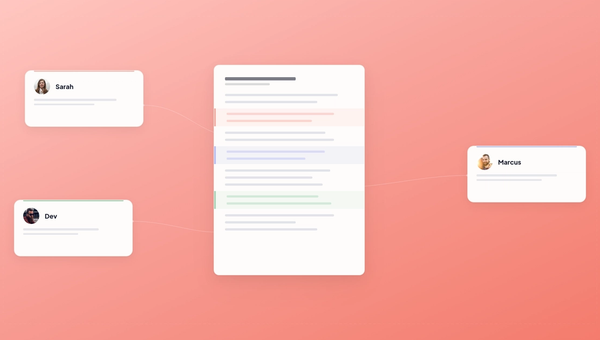
This is what makes multi-agent review possible. One agent generates the document, another reviews it for brand voice, a third checks facts. All their annotations show up in the same sidebar alongside human feedback.
Accessibility and auditing
get_audit_results runs an accessibility audit on a document and returns WCAG 2.1 AA findings. Useful if your agent is generating web content and needs to know about alt text gaps or heading hierarchy issues.
Share links
get_share_url returns a public review link for a document. Your agent can generate this once and reuse the URL across multiple review rounds.
Authentication
Sidenote uses OAuth 2.1 with PKCE. Your agent needs a client ID and will redirect users to Sidenote's authorization endpoint. After authorization, the agent receives an access token and can call MCP tools with that token.
The flow is standard OAuth: user authenticates once, agent gets a token, agent uses the token to call tools. No API keys to store or rotate.
Integration Steps
Here's how to build an agent that uses Sidenote for feedback.
- Register your app. Get a client ID and redirect URI from Sidenote. This is a one-time setup.
- Authenticate the user. Direct your user to Sidenote's OAuth endpoint. They log in or create an account. Sidenote redirects back to your app with an authorization code. Exchange that code for an access token.
- Call the upload tool. Once you have an access token, call
upload_html(orupload_pdforupload_image) with your document content. You get back a document ID and a share URL. - Send the share URL to reviewers. Email it, Slack it, or embed it in your app. Reviewers click the link and annotate directly on the rendered document. No account required.
- Poll for annotations. After a few minutes (or hours), call
get_annotationswith the document ID. Returns a JSON array of all feedback. - Process feedback. Parse the annotations. If your workflow is generating copy, extract key feedback ("mention pricing", "add case study", "remove jargon"). Feed that back to your prompt and regenerate.
- Iterate. Call
update_documentwith the revised content, get fresh feedback, repeat.
Here's a skeleton of what this looks like in code.
import asyncio
import json
from sidenote_mcp_client import SidenoteClient

# Initialize the client with your OAuth token
client = SidenoteClient(access_token="your_token_here")

# Step 1: Generate content
content_html = "<html><body><h1>Our Product</h1><p>We make...</p></body></html>"

# Step 2: Upload for review
document = await client.upload_html(
    html_content=content_html,
    title="Product Description Draft"
)
print(f"Uploaded. Review at: {document['share_url']}")

# Step 3: Wait for feedback (in real workflow, this is async/scheduled)
await asyncio.sleep(300)  # 5 minutes

# Step 4: Fetch annotations
annotations = await client.get_annotations(document_id=document['id'])

# Step 5: Parse feedback
feedback_summary = {
    "total_comments": len(annotations),
    "themes": extract_themes(annotations),
    "priority_items": prioritize(annotations)
}

print(json.dumps(feedback_summary, indent=2))

# Step 6: Regenerate based on feedback
revised_content = regenerate_with_feedback(content_html, feedback_summary)

# Step 7: Upload new version
await client.update_document(
    document_id=document['id'],
    html_content=revised_content
)
This is a linear flow, but real workflows often branch. You might upload three variants, get feedback on each, pick the best, and refine it further. Or you might gate regeneration behind a human approval step. MCP tools don't enforce workflow, they just provide primitives.
Agents can also leave their own annotations before passing a document to human reviewers:
# Agent reviews its own output and flags areas for human attention
await client.add_annotation(
    document_id=document['id'],
    quoted_text="Revenue grew 47% year-over-year",
    comment="I generated this figure from the Q3 data. Please verify against the final report.",
    label="question",
    author_name="Draft Generator"
)

# Target non-text elements too
await client.add_annotation(
    document_id=document['id'],
    css_selector="img.hero-chart",
    comment="This chart uses 2023 data. Consider updating to 2024.",
    label="suggestion",
    author_name="Fact Checker"
)
This changes the review dynamic. Instead of a human opening a document cold and scanning everything, they see the agent's own assessment of what needs attention. The agent flags the uncertain parts. Humans focus on judgment, not discovery.
Why This Matters
Feedback is the most expensive part of content generation. Not the agent's thinking time. The back-and-forth between agent and human, the parsing of feedback, the re-runs. Every minute a human waits for an agent to understand their note is wasted time.
When feedback is structured, fast, and programmatic, agents can iterate quickly. A 10-round feedback loop that used to take two days becomes overnight. That changes what agents can do.
It also changes who can use agents. Right now, if you want agent-generated content reviewed, you either build custom tooling or you live with manual feedback loops. Sidenote's MCP tools let you plug in human review without building anything. The agent handles the iteration. Humans focus on judgment, not logistics.
Real Workflows
Here are a few ways teams are using this in production.
Marketing campaigns. Agent generates headline variants, subject lines, and body copy. Marketers annotate the best ones. Agent learns which patterns worked and regenerates with that guidance. Next batch is better.
Documentation. Agent generates API docs or deployment guides. Technical writers review for accuracy and clarity. Agent fixes gaps, improves tone, adds examples. Docs ship faster and with higher polish.
Code review preparation. Agent generates a summary of changes before a PR goes to review. Engineering lead annotates to flag areas needing extra scrutiny. Agent updates the summary and links to the priority areas. Reviewers see what matters most.
Proposal writing. Agent generates sections of a client proposal. Sales team marks up and personalizes. Agent regenerates to incorporate feedback. Proposal ships the same day instead of three rounds of email.
In each case, the agent does the volume work. Humans do the judgment. Feedback flows back into the agent without manual steps.
Accessibility and Audits
One tool worth calling out: get_audit_results. If your agent generates web content (HTML emails, landing page sections, documentation sites), you can run an accessibility audit and get back a structured list of issues. Missing alt text, poor color contrast, broken heading hierarchy.
Your agent can then regenerate to fix those issues. A document that passes WCAG 2.1 AA on the first pass saves review cycles and shipping delays.
FAQ
Do reviewers need an account?
No. Sidenote generates a public review link. Reviewers click it and annotate. No sign-up, no login, no friction.
Can my agent fetch feedback automatically, or do I have to poll?
Right now, polling via get_annotations. Sidenote plans to support webhooks so your agent can subscribe to annotation events instead. For now, poll every 5-15 minutes depending on your SLA.
What happens if a reviewer updates an annotation after my agent fetches it?
The agent gets a snapshot of the feedback at fetch time. If feedback changes after that, the agent doesn't see it unless it polls again. In practice, this is fine. Reviewers usually annotate in batches, and agents check back after a fixed interval.
Can I integrate this into my existing workflow?
Yes. Sidenote's MCP tools are language-agnostic. If you're running Claude as an agent (or another MCP client), you can call these tools from any codebase. The agent doesn't live in Sidenote. Sidenote is just the review layer.
What's the latency?
Document upload is instant. Share link is instant. Reviewers can start annotating immediately. get_annotations is instant once reviewers have added feedback. The only variable is how long humans take to review, which is usually 5 minutes to a few hours depending on document length and review rigor.
Getting Started
If you're building an agent that generates content, start here.
- Read what Sidenote is for context on how the review interface works.
- Check the pricing page to see which plan fits your volume.
- Reach out with your use case and we'll help you integrate.
The feedback loop is the last mile of agent development. Close it and your agents ship better work, faster.